In today’s online world, visuals are everything. Whether you’re building a blog, running ads, or creating social posts, the right image can make your message stand out. Wealthy Affiliate’s new Image Studio is designed to give entrepreneurs, creatives, and affiliates the power to generate professional, AI‑created images in seconds without expensive tools or design skills.
Try Image Studio Today
Create a FREE account at Wealthy Affiliate (get 2,000 AI credits), and start building with Image Studio right away
Why It Matters
For affiliates and business owners, visuals aren’t just decoration — they drive clicks, engagement, and conversions. With Image Studio, you can:
- Build featured images for blog posts instantly
- Create ad creatives for $1/day Facebook campaigns
- Design social media graphics that stand out in crowded feeds
- Develop icons and branding assets for your site
What is Image Studio?
Image Studio is Wealthy Affiliate’s built‑in AI image creation platform. It allows members to:
🎨 Generate unique images from text prompts
🖼️ Create icons, graphics, and illustrations for websites and social media
✂️ Edit and resize images for different formats (blog banners, Facebook ads, thumbnails)
🌈 Choose from multiple styles — realistic, artistic, cartoon, abstract, and more
🚀 Save time and money compared to stock photo subscriptions or hiring designers
Building a Feature Image
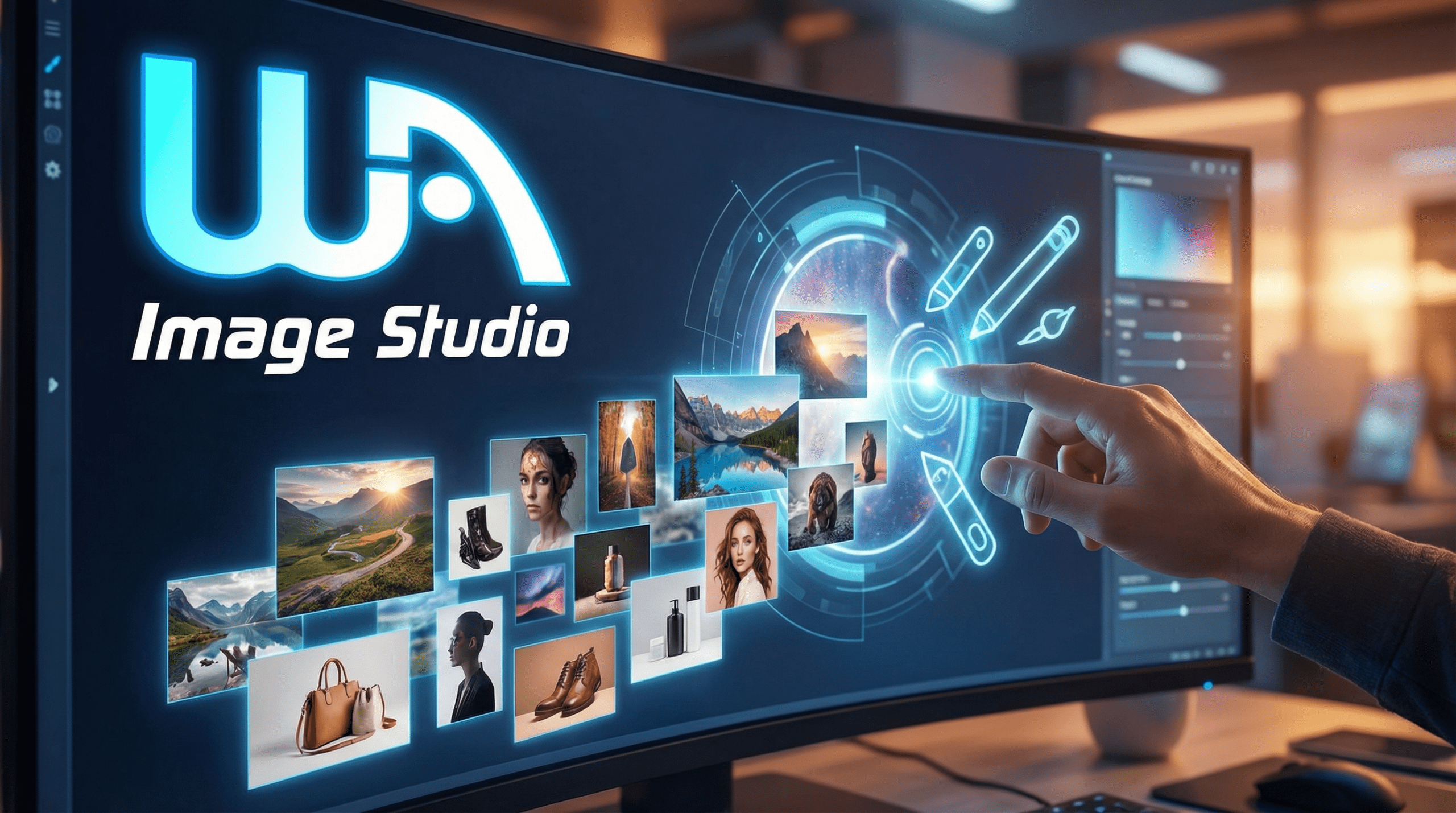
For example I created the feature image for this post in seconds using the is prompt "I need a stunning feature image for a post titled "Create Stunning Images in Seconds with Wealthy Affiliate’s Image Studio". Do not include the text but you can include the WA logo and the words "Image Studio"" and one reference image being the Wealthy Affiliate logo which was black. Note I also requested image size to be in 16:9 ratio.
See the screen shot of my instruction to Image Studio.
As you can see it created a stunning looking version for the logo and added it along with the words Image Studio to the image in the perfect position.

"Creating an. Image for a Facebook ad
I began with an image of a lady in an image of 0's and 1's as in the first image and asked Image Studio create a version of the image replacing the lady with that of a man.
i then asked Image Studio "Using the image as the background build an eye catching advertisement for the Black Friday Sale at Wealthy Affiliate. Make the WA logo 3d with a golden color and glow. text to include:
Black Friday Sale
From Nov 28 to Dec 1,
Premium Plus+ Membership for $497 (58 percent savings)
get 60,000 monthly AI credits, plus bonuses.
Learn Affiliate Marketing in a like minded community
Supported by AI generated content and imagery
Start with a free Starter account.
Join FREE here and upgrade before sale ends on Monday!"
result is the second image which I used in a Facebook ad.


Creating an Icon Image
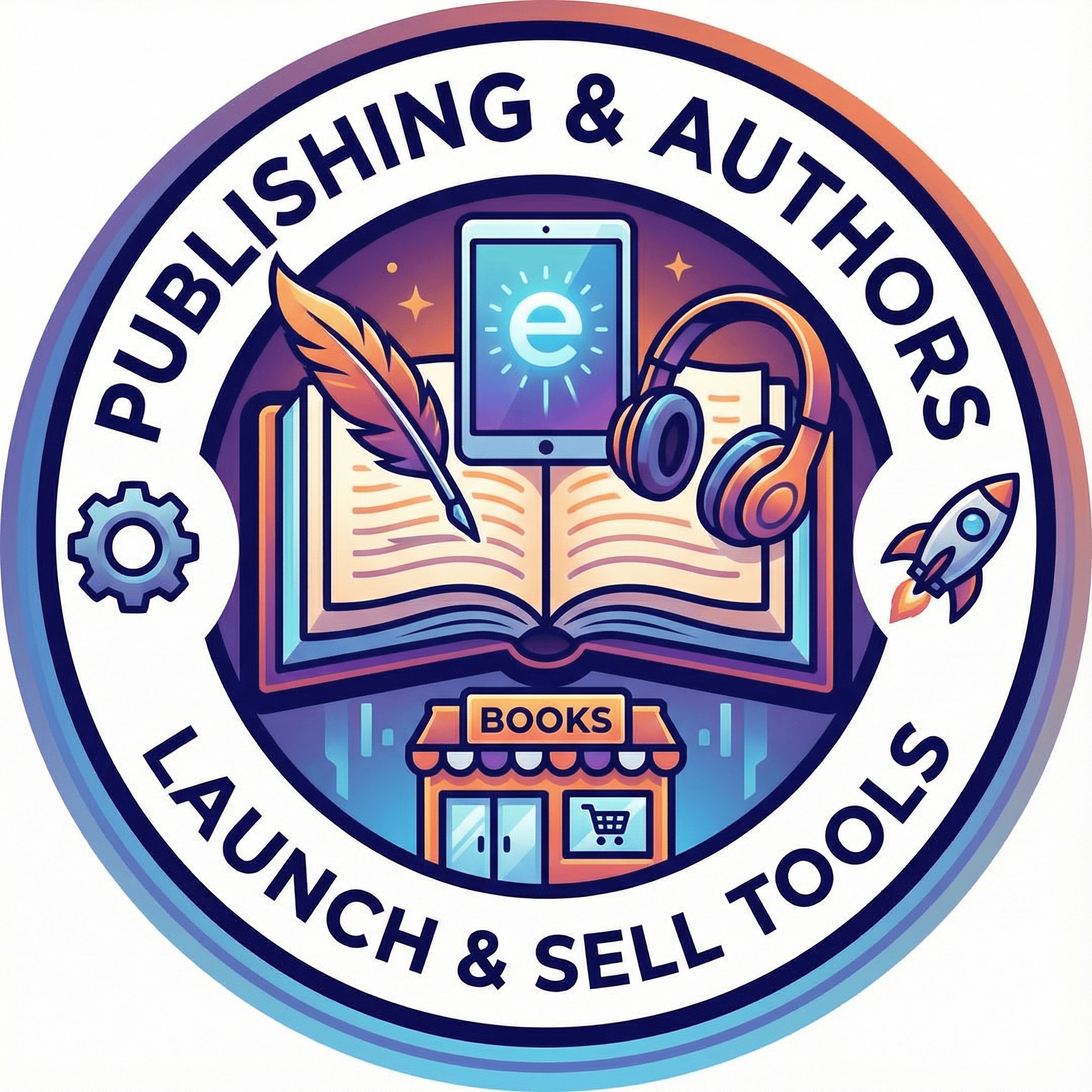
I needed some Icon images for some blurbs I was creating for the Blueprint to Passive homepage. This was the result. In fact I created 6 images which I used on the page which you can view here.
How to Access Image Studio
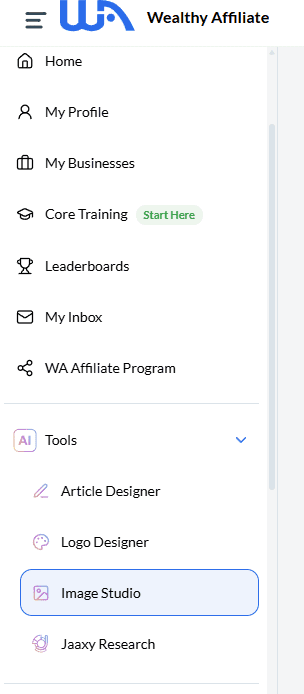
Image Studio is available directly inside Wealthy Affiliate. Once you’re logged in:
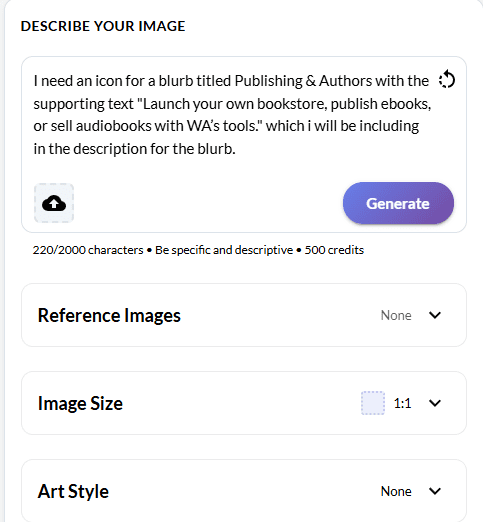
- Navigate to the Tools then Image Studio tool as indicated in this screen shot.
- Enter a text prompt describing the image you want.
- Add any Reference images
- Choose style options and generate.
- You may ask Image Studio to edit the image until it is to your requirements.
- Download and use instantly in your content.
Final Thoughts
Wealthy Affiliate’s Image Studio is more than just a design tool — it’s a creative partner that helps you bring ideas to life quickly and affordably. Whether you’re an affiliate marketer, blogger, coach, or creative, Image Studio gives you the power to stand out online.
Try Image Studio Today
Create a FREE account at Wealthy Affiliate (get 2,000 AI credits), and start building with Image Studio right away
0 Comments